BIRT Crosstab: Apply Color to Alternate Rows
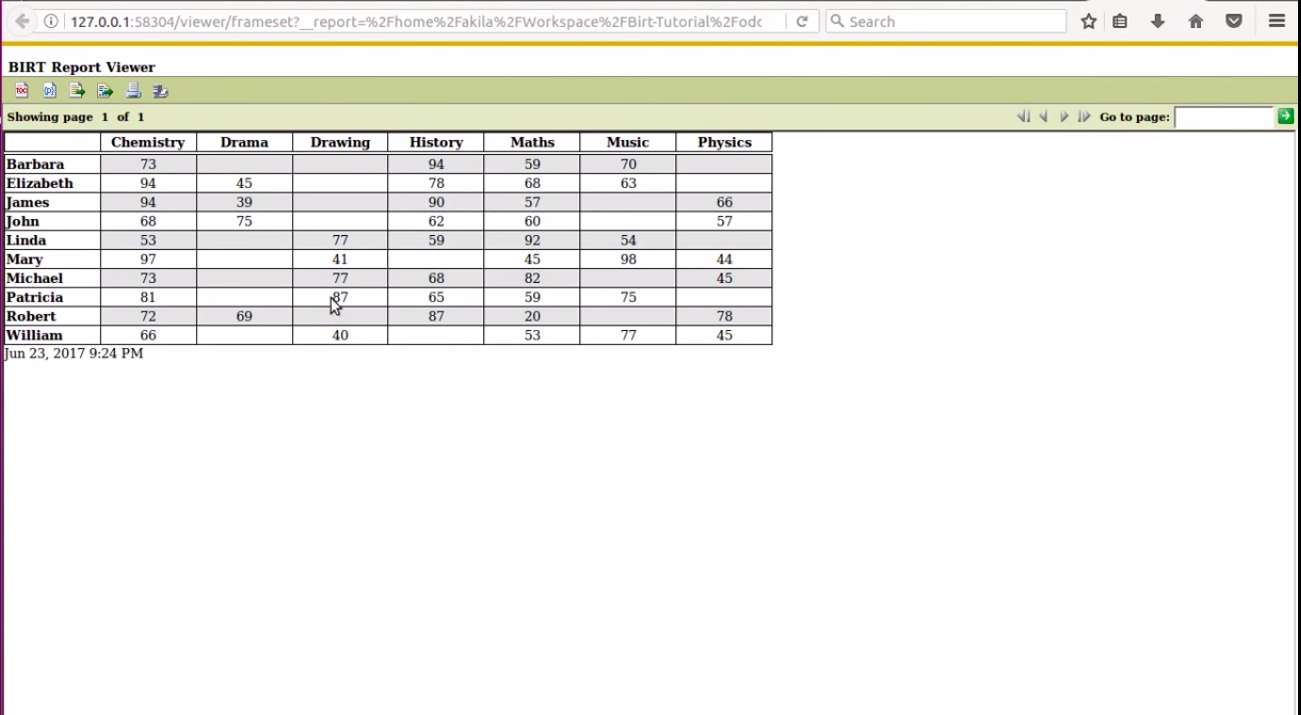
In our previous article, we discussed how to use the BIRT crosstab element. In this article, we will learn how to apply alternating colors to rows (zebra striping) to improve report readability.
The Goal
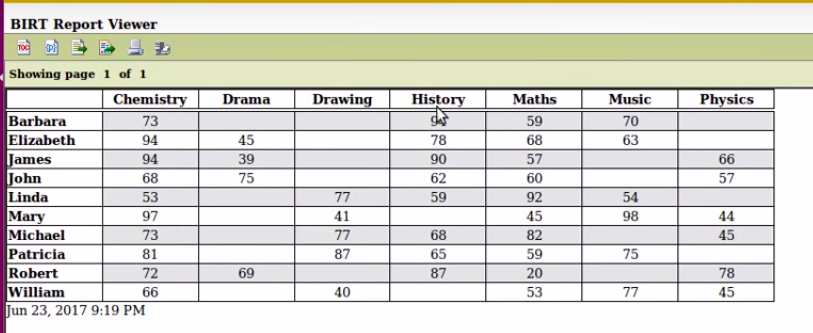
This is the final output we want to achieve:
1. Open Your Design
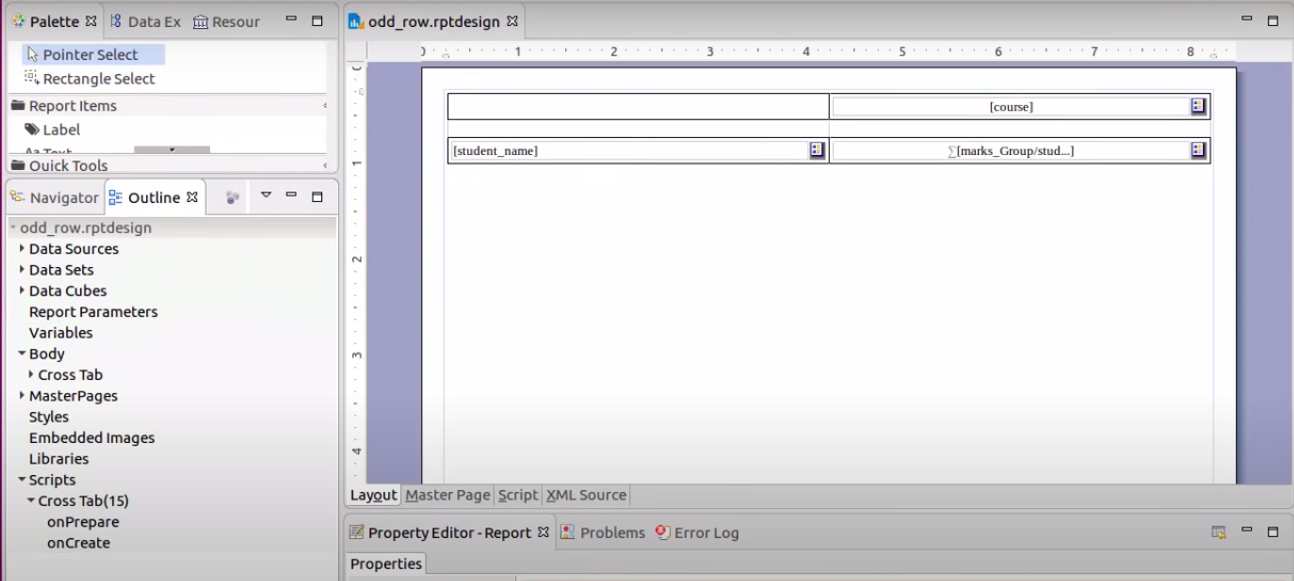
Start with the BIRT report crosstab design file (`cross-tab.rptdesign`) created in the previous tutorial.
2. Access the Script Editor
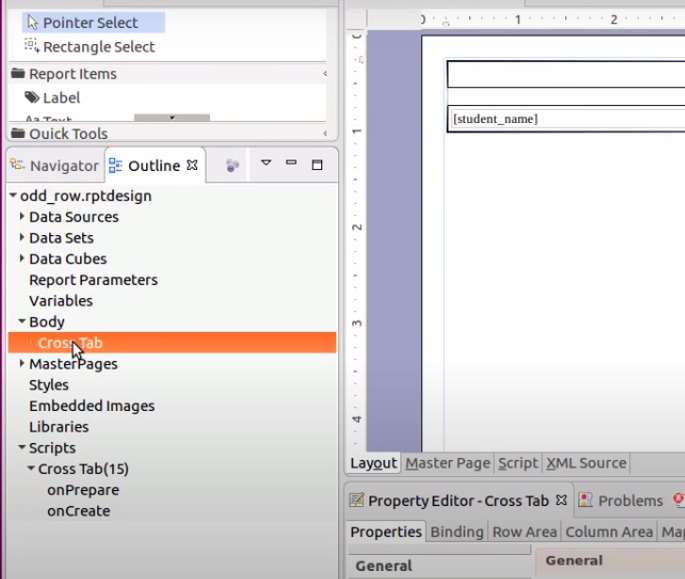
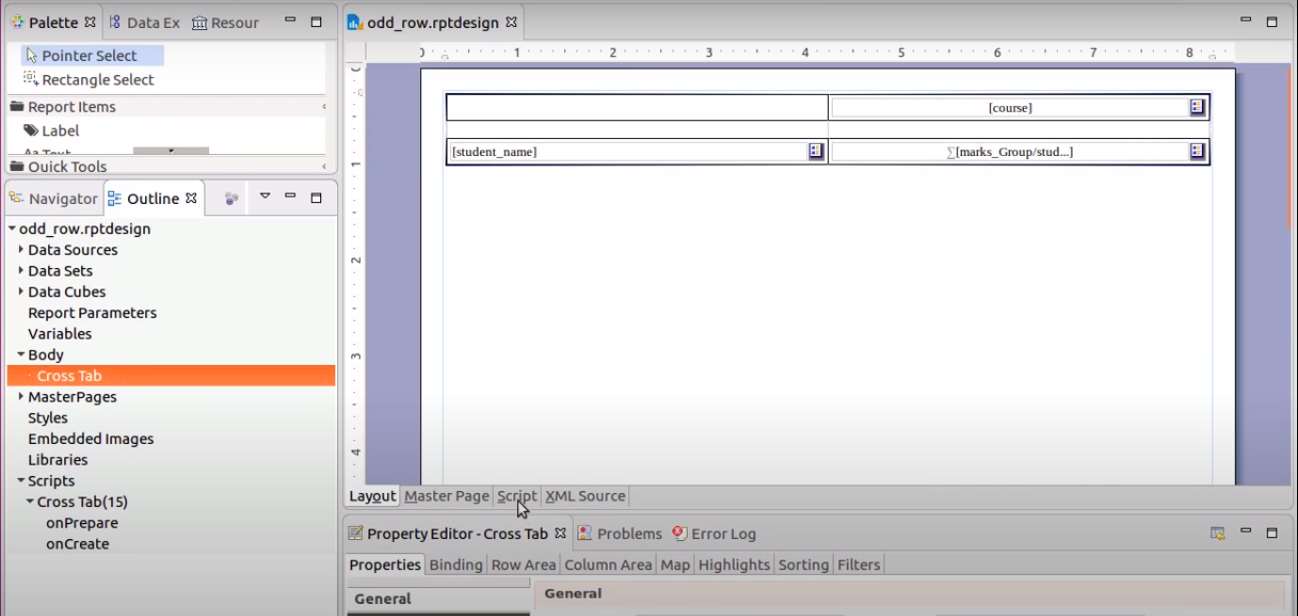
Go to the Outline palette and select the crosstab element. Then click on the Script tab in the editor area.
3. Initialize Global Variable (onPrepare)
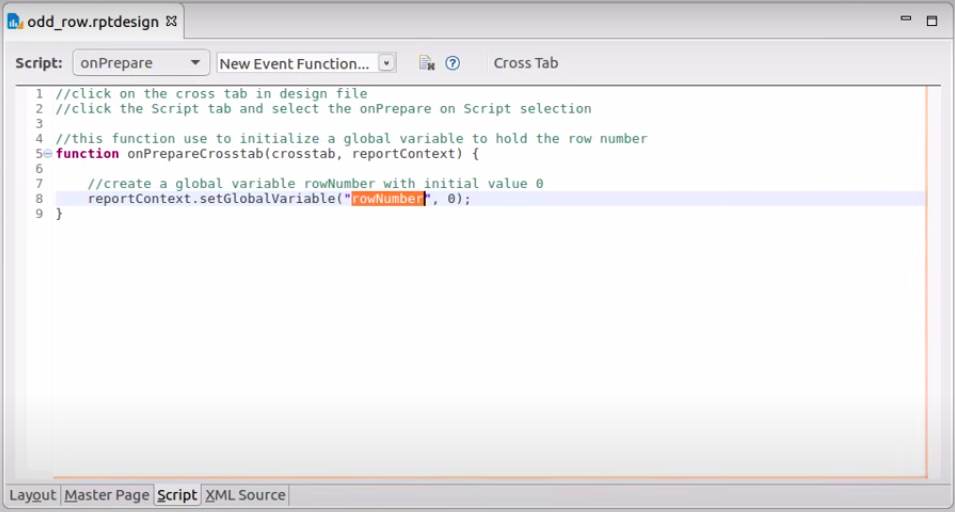
We need a way to track the row count. We will use a global variable for this. Select onPrepare from the script drop-down list.
Add the following code to initialize `rowNumber` to 0:
//click on the cross tab in design file
//click the Script tab and select the onPrepare on Script selection

//this function use to initialize a global variable to hold the row number
function onPrepareCrosstab(crosstab, reportContext) {

    //create a global variable rowNumber with initial value 0
    reportContext.setGlobalVariable("rowNumber", 0);
}
4. Identify Cell/Element IDs
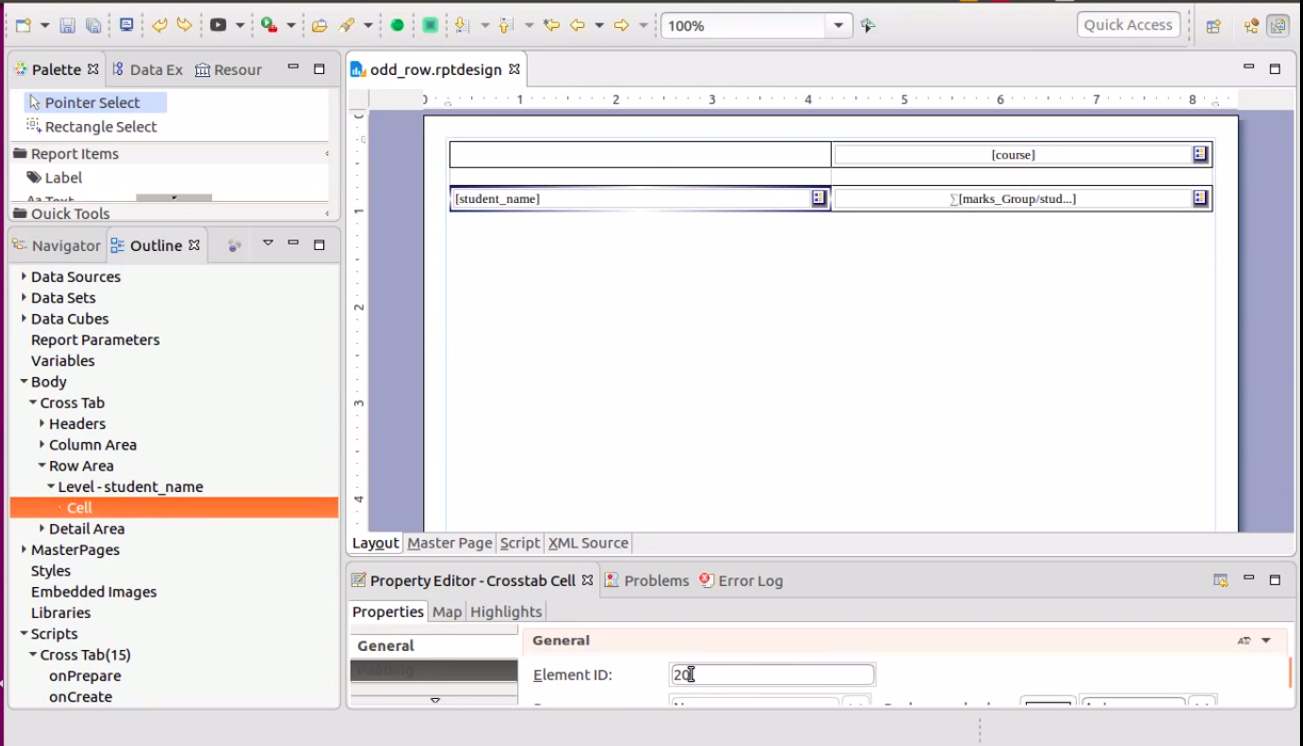
To apply logic to specific rows (like avoiding the header row), you need to know the cell's Element ID. Click on a cell and check the General section in the Properties palette.
5. Apply Logic (onCreate)
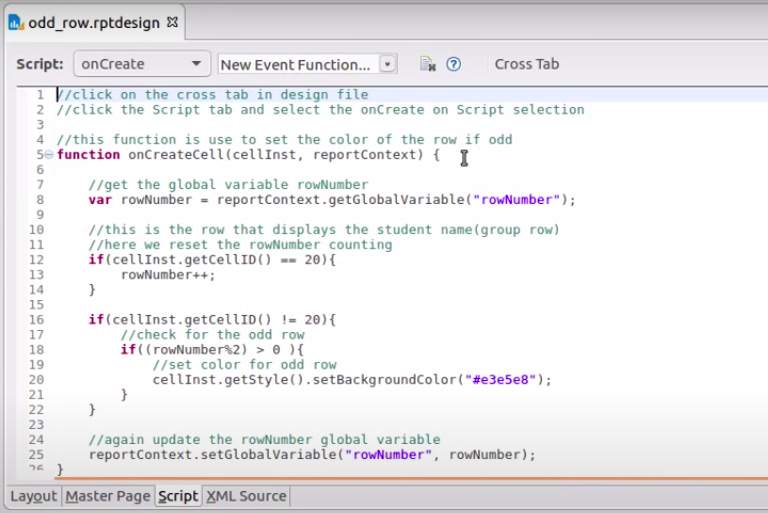
Now, select the onCreate script event. We will increment the counter and set the background color if the row number is odd.
//click on the cross tab in design file
//click the Script tab and select the onCreate on Script selection
//this function is use to set the color of the row if odd
function onCreateCell(cellInst, reportContext) {
    //get the global variable rowNumber
    var rowNumber = reportContext.getGlobalVariable("rowNumber");

    //this is the row that displays the student name(group row)
    //here we reset the rowNumber counting
    //REPLACE '20' WITH YOUR ACTUAL CELL ID FOR THE GROUP HEADER
    if(cellInst.getCellID() == 20){
            rowNumber++;
    }

    if(cellInst.getCellID() != 20){
            //check for the odd row
            if((rowNumber%2) > 0 ){
                    //set color for odd row
                    cellInst.getStyle().setBackgroundColor("#e3e5e8");
            }
    }

    //again update the rowNumber global variable
    reportContext.setGlobalVariable("rowNumber", rowNumber);
}
6. Preview the Report
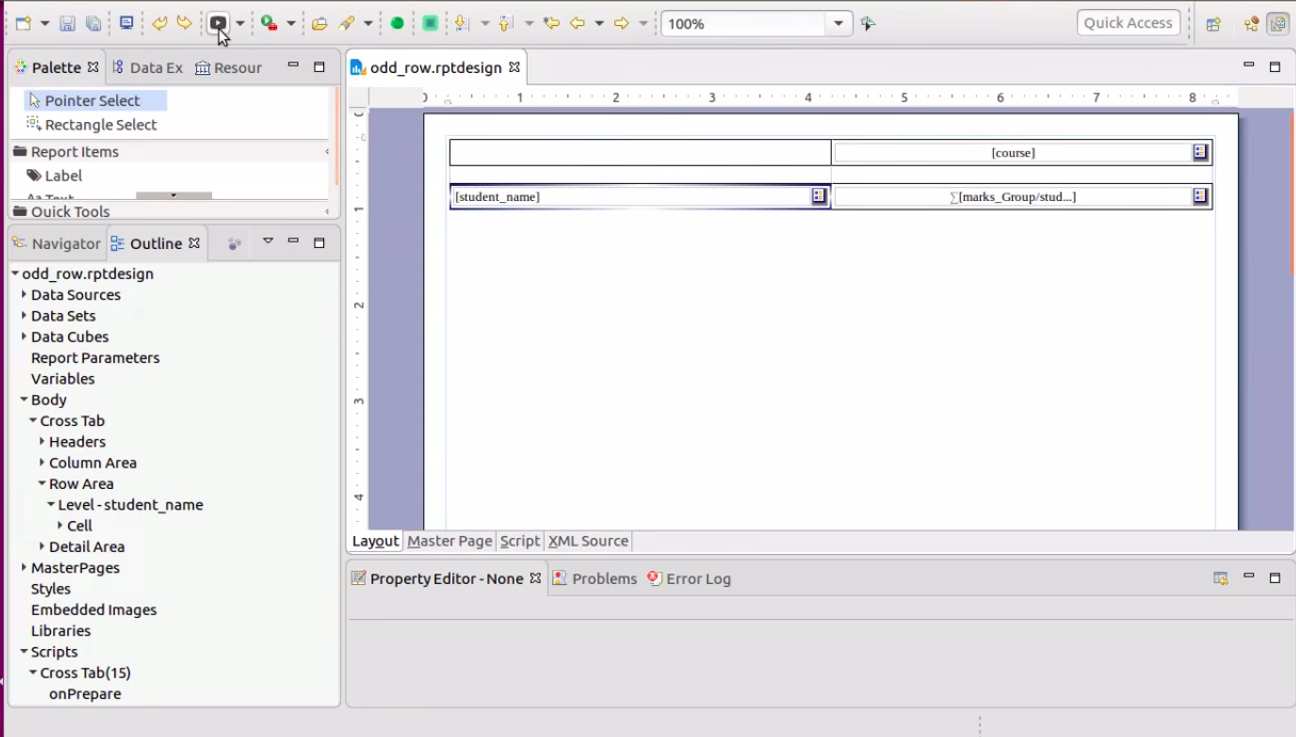
Click the preview button to see your zebra-striped crosstab report.
You can download the design file here.